
Supported types of AR Tracking
WebAR supports a variety of tracking technologies.
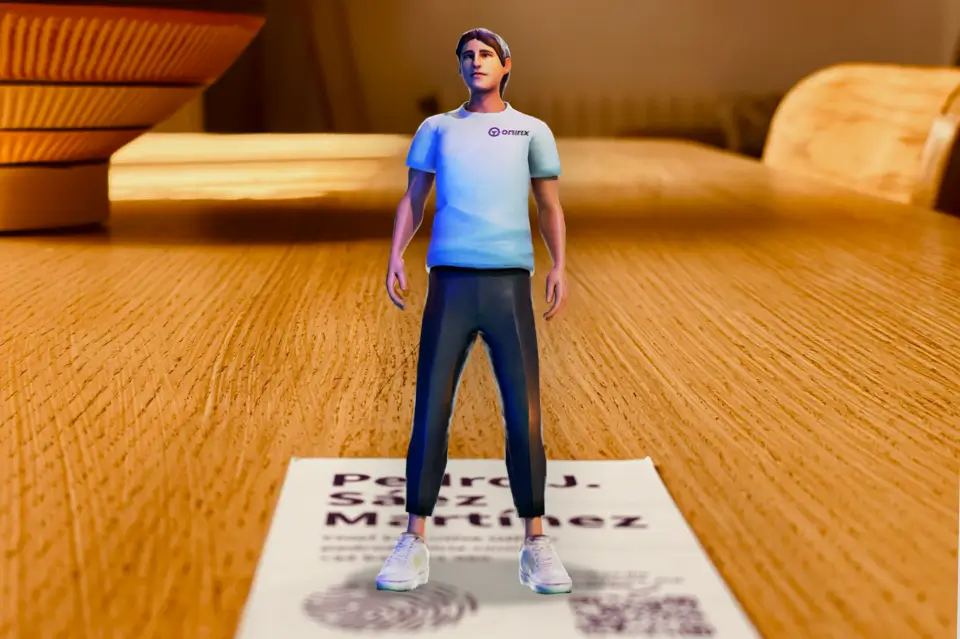
Image Tracking
Images allow you to position augmented reality content on an image and track this image during the experience.
Read More
Rotation Tracking
Place your floating AR content around the user thanks to the gyroscope of your smartphone.
Read More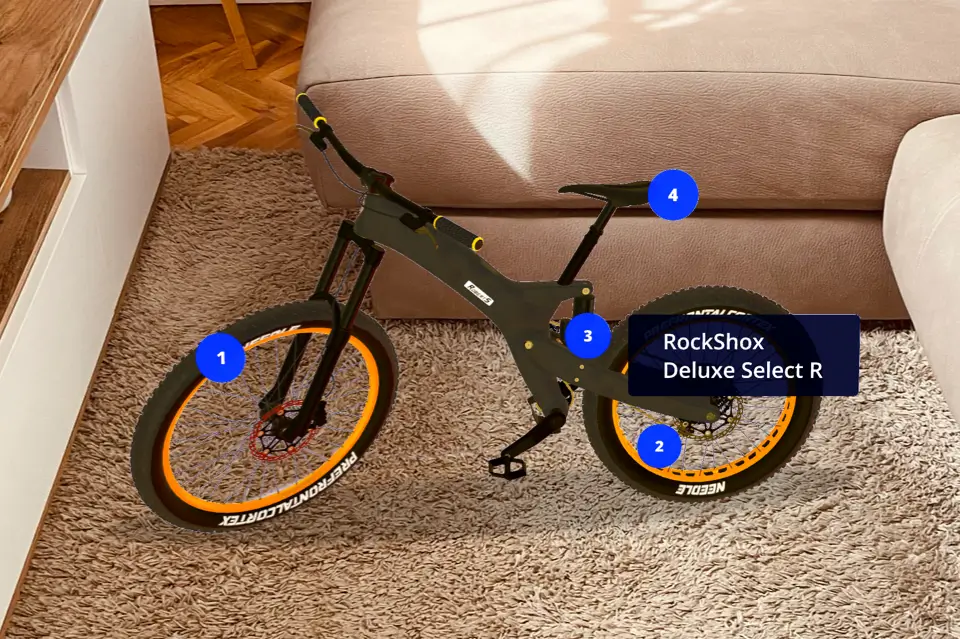
World Tracking (SLAM)
Recognizes surfaces such as a table or the floor, and places AR content on them.
Read More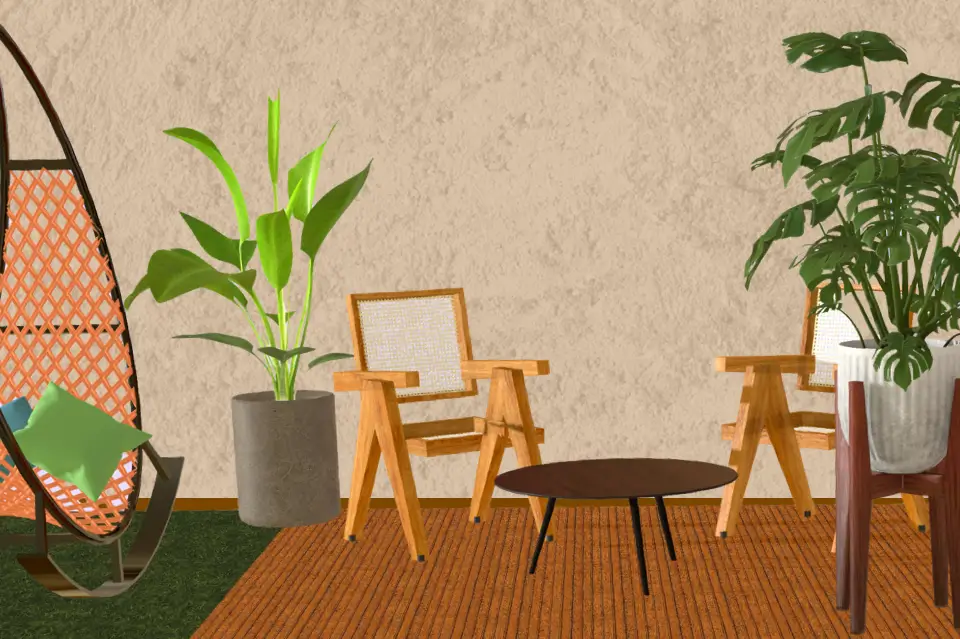
Spatial Tracking
Scan real spaces with your cell phone and position augmented reality content on them.
Read MoreDare you to test the robustness of our technology?
Start For Free
Technology
Robust and innovative technology
Create geolocated experiences and access our tracking systems by accurately placing AR content on your images, surfaces and spaces.
Image Tracking
Image tracking allows you to detect an image or photo in order to place virtual content on it.
The image can be a magazine cover, a poster, a brochure, a business card or anything that has enough identity or texture to be distinguishable.
Image tracking is very useful for gamification of events, enrichment of works of art, digitization of tourist guides and even to bring an artist closer to his fans thanks to the combination of augmented reality and volumetric videos.
Rotation Tracking
Rotation tracking uses the phone's gyroscope to place floating AR content around the user, rather than anchoring the content in the environment./p>
Rotation tracking is perfect for game dynamics such as augmented reality treasure hunts, where the user can better interact with 3D elements by having them floating around them.
To have the augmented reality content appear in front of the user, without the user having to select the surface, you can use Web AR Studio's "automatic loading" option.
World Tracking
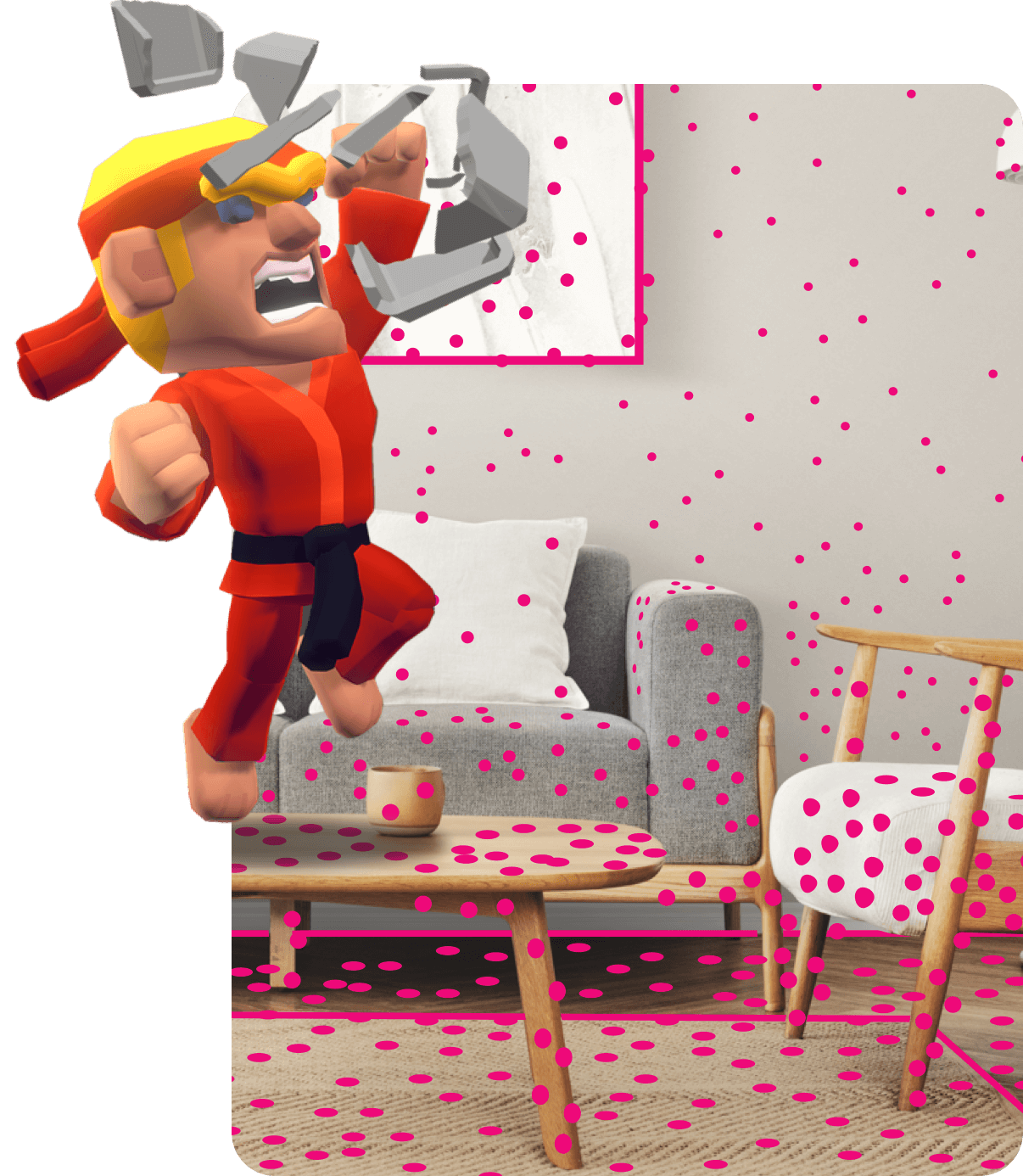
World Tracking, also known as SLAM (Simultaneous Location and Mapping), allows you to detect horizontal planes in the environment, and place any type of content on them, which will remain fixed throughout the augmented reality experience.
World tracking offers a full 360 degrees of freedom, allowing you to move, rotate and explore AR content from any angle or perspective.
AR experiences with world tracking are useful for virtual portals or e-commerce products where the user needs the experience to be anchored at a certain point to get the most out of it.
Spatial Tracking
Spatial AR allows you to scan an entire room, facilities or rigid objects to create a 3D representation of the environment. From Web AR Studio you can configure the AR content in the previously scanned space.
Spatial tracking will locate the user in the real environment and will display, accurately anchored in that environment, the AR content that was previously configured in Onirix Studio.
Spatial tracking is very useful for occupational hazard prevention, improving efficiency in industrial machinery maintenance, enriching tourist visits, and virtual reconstruction of deteriorated artworks and monuments, among other use cases.
Geolocated Maps
Web AR allows you to associate a geolocated map to your AR projects. This functionality is very useful for gamification experiences such as augmented reality treasure hunts.
In our documentation you have a tutorial where we show, step by step, what to do to configure and customize an augmented reality treasure hunt with Onirix, Firebase and Vue.
You will be able to use this kind of experiences to draw attention to booths in an event, stores in a shopping mall, different points of interest in a festival, etc. The tutorial includes the code to create the experience that you can download from our Github repository.
Success stories
Web AR in Action
Read what our clients have to say about creating Augmented Reality experiences with Web AR
Durex

VLMY&R
Goiko Grill

Now AR&R
Santa Lucia

Many Worlds
Engen - Quickees Play

MCI
Our Brands
Brands Using Web AR





















Want to test the robustness of our Web AR technology?
Get Started for FreeF.A.Q
Frequently Asked Questions
Testimonials
What they are saying about us
Proin iaculis purus consequat sem cure digni ssim donec porttitora entum suscipit rhoncus. Accusantium quam, ultricies eget id, aliquam eget nibh et. Maecen aliquam, risus at semper.

Saul Goodman
Ceo & Founder
Export tempor illum tamen malis malis eram quae irure esse labore quem cillum quid cillum eram malis quorum velit fore eram velit sunt aliqua noster fugiat irure amet legam anim culpa.

Sara Wilsson
Designer
Enim nisi quem export duis labore cillum quae magna enim sint quorum nulla quem veniam duis minim tempor labore quem eram duis noster aute amet eram fore quis sint minim.

Jena Karlis
Store Owner
Fugiat enim eram quae cillum dolore dolor amet nulla culpa multos export minim fugiat minim velit minim dolor enim duis veniam ipsum anim magna sunt elit fore quem dolore labore illum veniam.

Matt Brandon
Freelancer
Quis quorum aliqua sint quem legam fore sunt eram irure aliqua veniam tempor noster veniam enim culpa labore duis sunt culpa nulla illum cillum fugiat legam esse veniam culpa fore nisi cillum quid.
